Parking Collision Warning - My Car Does What Parking Collision Warning - My Car Does What

Parking Collision Warning

Parking is difficult enough, so this feature helps to alert you to stationary objects when driving at low speeds. Some go further than a warning and can even brake for you to avoid obstacles.

What It Does

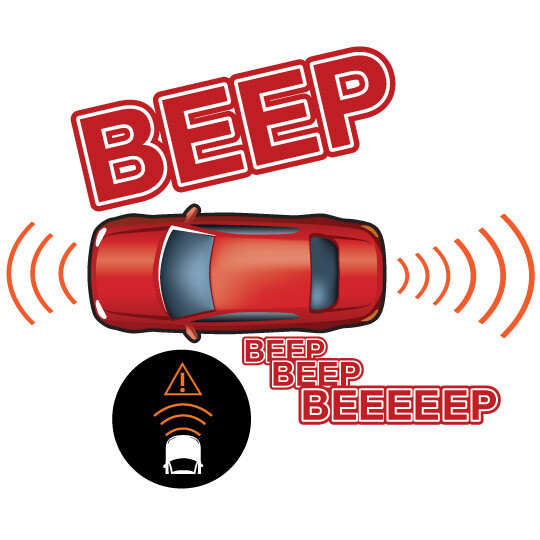
What It Does: Alerts you when your car gets too close to objects while parking.

What It Does Not Do: While some systems may automatically brake to avoid hitting people or objects, this is not guaranteed.
Quick Guide

1. Pay attention

Pay attention to beeps and lights when backing and parking.

2. Be Ready to React

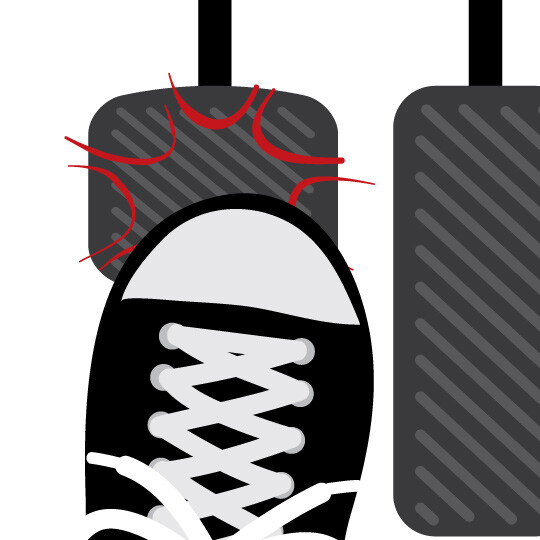
Be prepared to react if an obstacle is detected behind you, or in front of your bumper for some systems.

3. Know the Limits

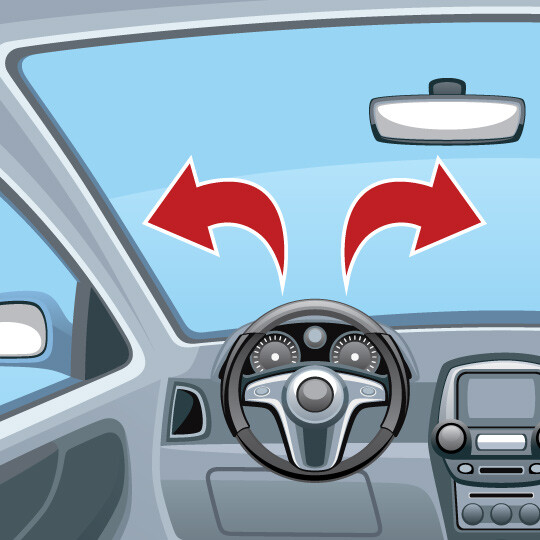
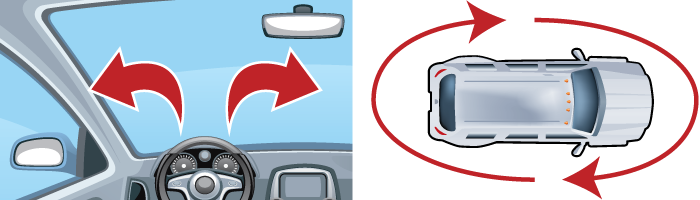
Don’t only rely on this technology. Use your mirrors and eyes.

How it works

WHAT IT DOES

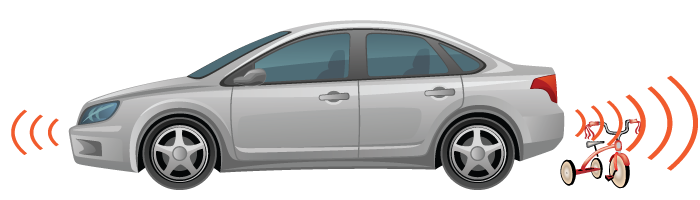
The system warns a driver about nearby obstacles that are usually low to the ground (e.g., fire hydrants, parked bicycles, or guard rails). It’s primarily for backing-up or for slow maneuvering when parking.

THE TECHNOLOGY BEHIND IT

Cameras and ultrasonic sensors detect objects near your car when it is traveling at low speeds. When one is detected, the car can send you an audio, visual, or haptic (vibrational) warning.

WHAT YOU NEED TO DO

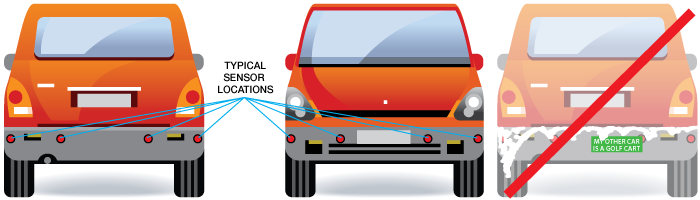
This feature is a supplement to your abilities as a driver, not a replacement. You will still need to use your mirrors and look directly at your surroundings when parking, checking especially for pedestrians or small children who may not be detected by the system. Make sure the sensors are clean and not covered by debris or stickers.

IMPORTANT

  • This feature may not work if cameras or sensors are dirty or otherwise obscured, or in poor weather.
  • If you have modified the bumper height on your car, this feature may not work properly.
  • People can be harder for the system to detect than stationary objects.

Question & Answers

When should I use my obstacle detection system?

This feature is designed to warn you during parking that you may be close to another object like another car or garage wall. Your owner’s manual can offer more details.

Will this feature detect people or children?

It may be able to detect in some conditions, but this feature was NOT designed to detect people.

Can I turn this feature off?

Yes. There is usually the capability to disable the obstacle detection system. Check your manual for details.

Resources

Related Safety Features

Pedestrian Detection

Uses advanced sensors to detect human movements; some versions may urgently apply the brakes if the driver fails to respond.

Learn More

Adaptive Cruise Control

Not only maintains your set speed, but your following distance as well; provides some limited braking.

Learn More

Automatic Emergency Braking

This feature can sense slow or stopped traffic ahead and urgently apply the brakes if the driver fails to respond.

Learn More
Explore more safety features