Active Driving Assistance - My Car Does What Active Driving Assistance - My Car Does What

Active Driving Assistance

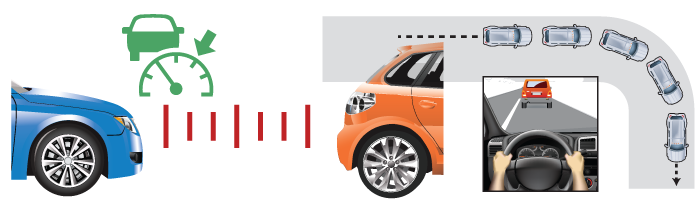
When lane centering assistance and adaptive cruise control combine, one plus one equals Level 2 automation.

What It Does

What It Does: Automatically controls your speed and following distance, sometimes including handling stop-and-start traffic, while keeping you centered in your lane.

What It Does Not Do:  Respond to traffic lights or signs, or allow the driver to safely perform other tasks behind the wheel. Some systems only work on clearly-marked multi-lane mapped highways or on roadways designated by the automaker.
Active Driving Assistance
LANE CENTERING AND ADAPTIVE CRUISE CONTROL COMBINED

What would you like to do next?
Share this video Comment on this video
Watch this video

No Posts Found

Quick Guide

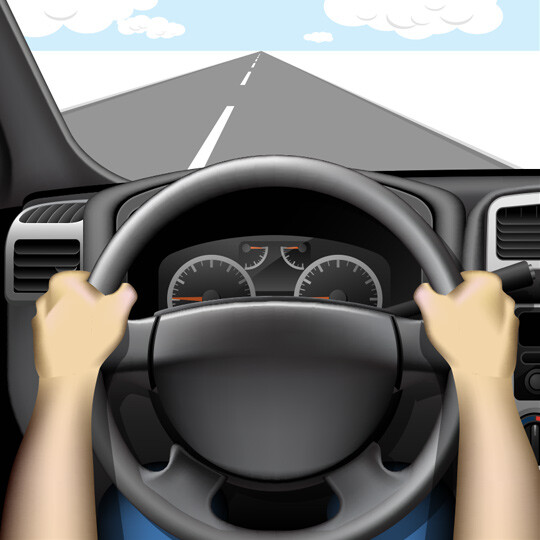
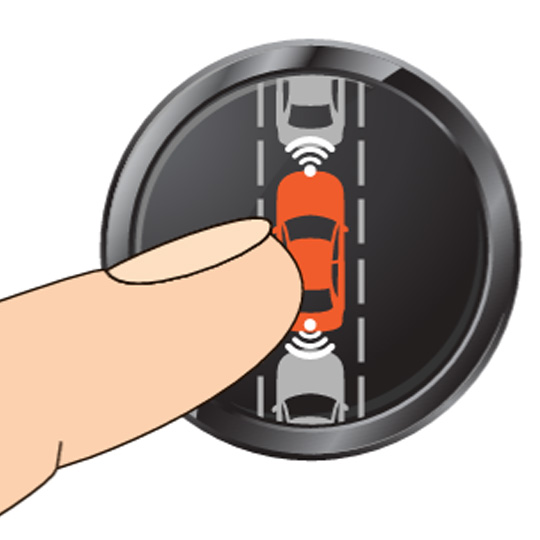
Start Active Driver Assistance by pressing a button on your steering wheel or a screen.

1. Activate

Press the button(s) to activate Active Driving Assistance. This may be on your steering wheel or on a screen. What it looks like varies by manufacturer.

2. Hold on

Keep your hands on the steering wheel and eyes on the road.

Lane Keeping Assist Stop 1

3. Stay Alert

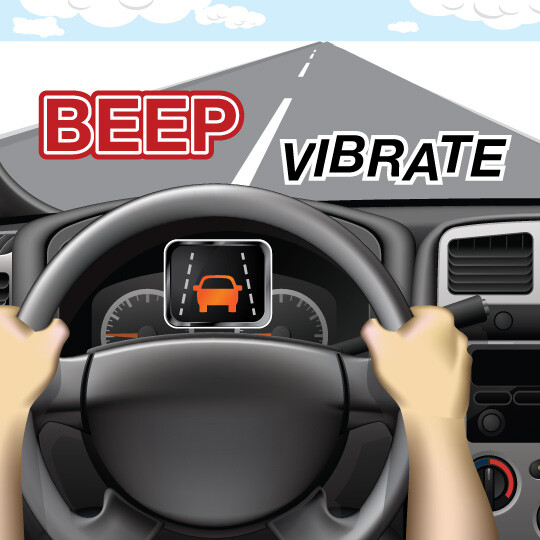
Watch the road and your instrument panel for indicators the system needs to disengage.

How it works

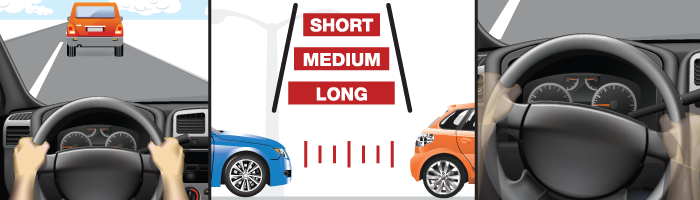
Active Driving Assistance determines the distance between your car and the car in front of you - short, medium and long.

WHAT IT DOES

When you activate this feature, the system operates two features simultaneously: adaptive cruise control to maintain speed and following distance, and lane centering assistance to ensure the vehicle stays within the marked lanes.

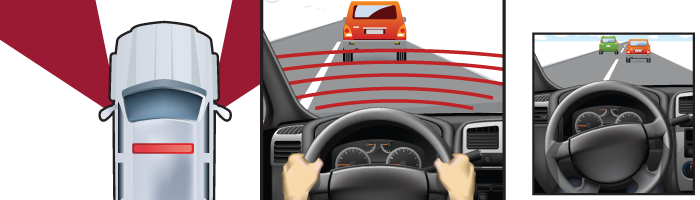
Active Driving Assistance uses sensors in your vehicle read the road ahead of you to detect and respond to vehicles and markings on the pavement.

THE TECHNOLOGY BEHIND IT

Sensors in your vehicle read the road ahead of you to detect and respond to vehicles in front of your in your lane. They also detect lane markings on the pavement. Some systems utilize direct driver monitoring systems with cameras to see if the driver is paying attention to the road.

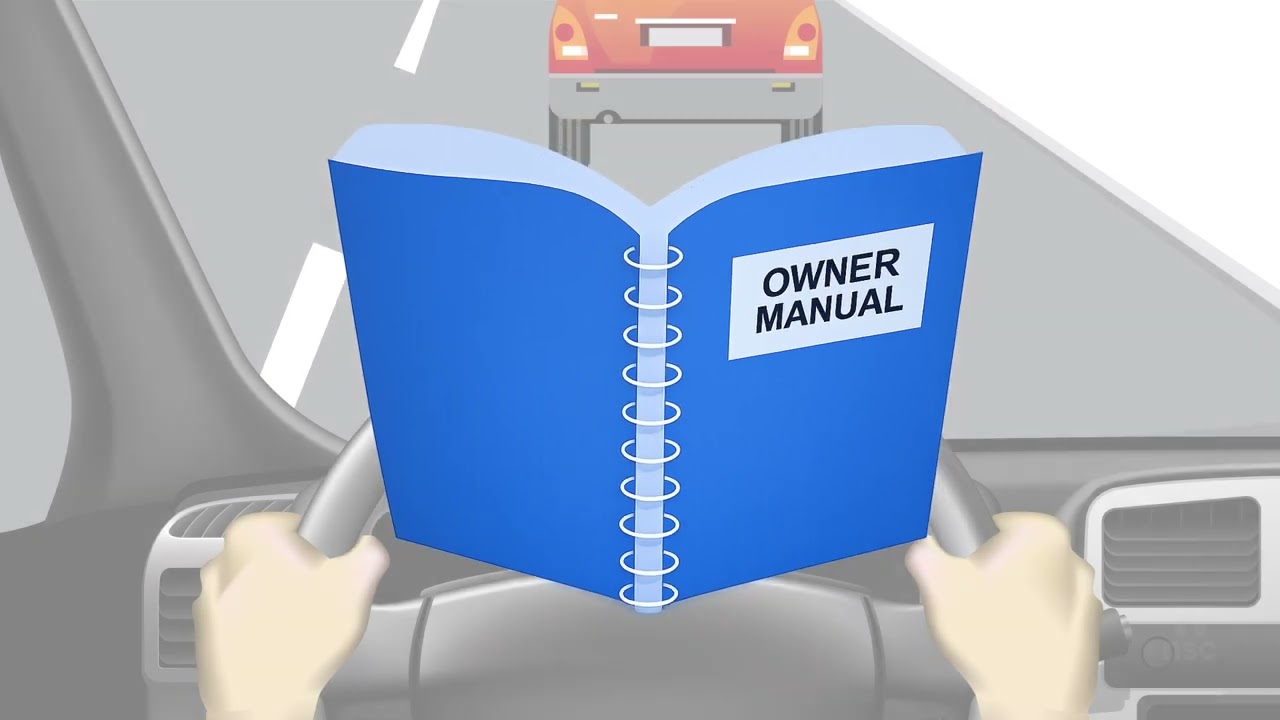
Active Driving Assistance requires your attention. Your car is steering, accelerating, and braking by itself, but it is not fully self-driving. Keep your hands on the wheel.

WHAT YOU NEED TO DO

When driving on a road in conditions suitable for Active Driving Assistance, turn on this feature, and set adaptive cruise control features like your desired distance gap if necessary. If required, keep your hands on the steering wheel. Pay attention! Your car is steering, accelerating, and braking by itself, but it is not fully self-driving. If the system encounters a situation where it can no longer operate, such as tight curves or unmarked roads, it will need you to take full control, often with little warning. That means eyes on the road – not on your phone or any other activity behind the wheel.

IMPORTANT

  • Active Driving Assistance systems come in “hands on” and “hands off” types. Both monitor driver attentiveness and provide alerts to re-engage. It’s important to know that even if the system lets you remove your hands from the steering wheel, you need to pay attention to the road and be ready to place them back on and take full control at any time. Remember, it’s called assistance – not an autonomous vehicle. You are still the driver.
  • These systems should not be used in severe weather, construction zones, or other potentially challenging conditions.

Question & Answers

What are some other names for this feature?

Traffic Jam Assistance is another name sometimes used for Active Driving Assistance that operates at low speeds. Manufacturers also have proprietary names for their systems, including GM Super Cruise, Tesla Autopilot, Ford BlueCruise, and Nissan/Infiniti ProPILOT Assist. While these systems may differ slightly, they all combine adaptive cruise control and lane centering assistance, and they all require the driver to maintain attention and be ready to resume all driving tasks.

Is my car “self-driving” now?

No. On the scale of automation levels from 0 to 5 created by SAE International, Active Driving Assistance is a Level 2 feature, or partial driving automation. This makes it a driver support feature, not a driver substitute. You will need to constantly pay attention in case the system needs to deactivate.

Resources

Related Safety Features